Check calls, ELD tracking or a driver app? Learn the ways to track a load, how to set up a tracked trip step by step, how check-ins and alerts work, and how to fix gaps on the map.
To track a load in real time, the driver shares their location from a phone app or an ELD-connected tool, and the carrier, dispatcher or broker follows the truck on a live map together with the route, the stops and the trip status. Load tracking replaces most check calls and answers "where is my load?" in seconds. Many tracking tools, including Just Tracking, are free to use.
Key takeaways
- Load tracking shows the truck's live location, route, stops and trip status in one place.
- The most common methods are check calls, ELD or telematics tracking, and phone-based driver apps.
- Stop check-ins and alerts for low battery, long stops or missed check-ins catch problems early.
- Most tracking problems come from phone settings, dead zones or a driver who forgot to start sharing.
What load tracking means
Load tracking is real-time visibility of a shipment from pickup to delivery. Instead of guessing or calling, everyone who needs the information sees the same picture: where the truck is, which stop is next, and whether the load is on time.
Shippers expect it, and many brokers now require it on every load. Some rate confirmations even list a penalty if tracking isn't kept on. For the bigger picture on why visibility matters, read how real-time tracking improves delivery performance and customer trust.
Ways to track a load
Check calls
The old way: someone calls or texts the driver for an update. It costs nothing, but it interrupts drivers, takes up dispatchers' time, and the answer is only as current as the last call.
ELD and telematics tracking
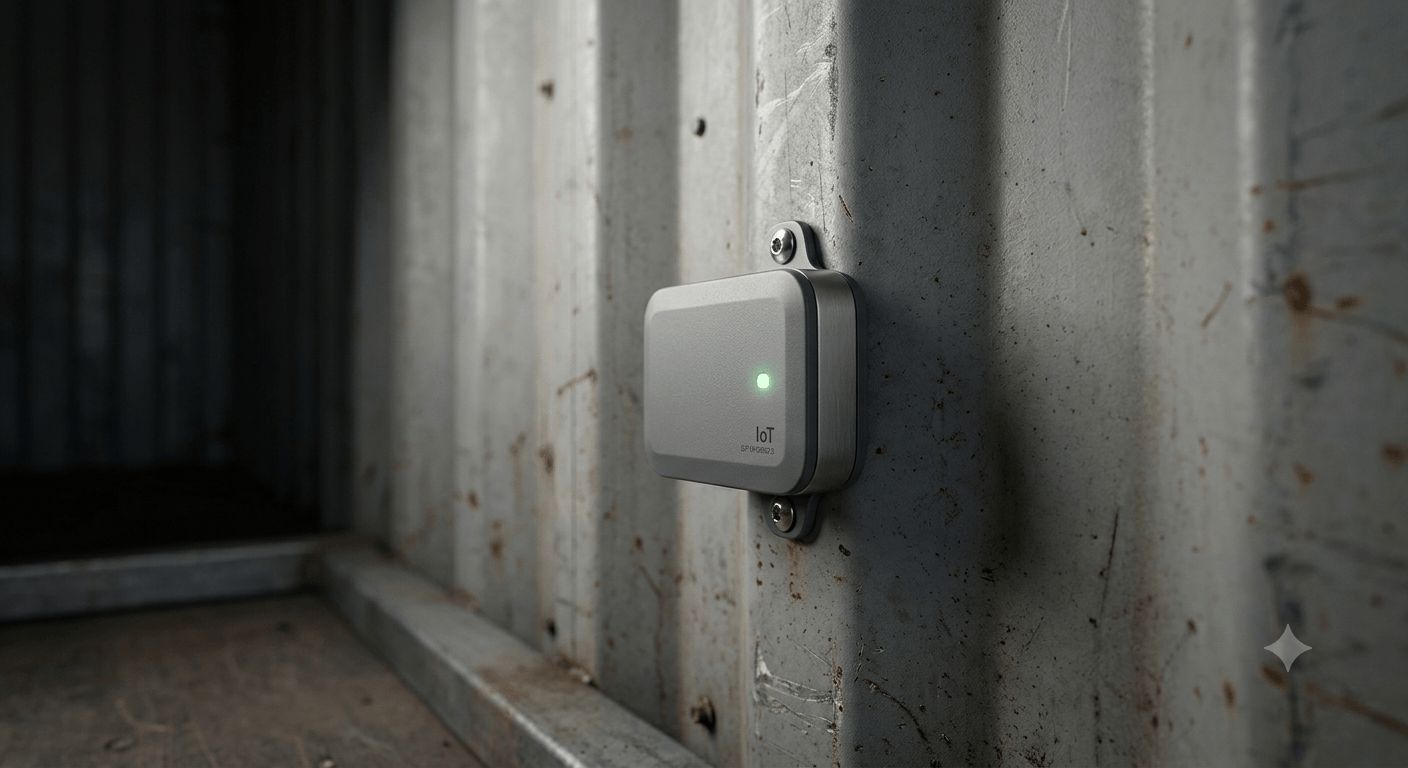
Many fleets already have an ELD or telematics unit that records the truck's location. Some tracking tools connect to it so location updates flow automatically. It works well for company trucks, but each connection has to be set up, and the data belongs to the fleet's provider.
Phone-based driver apps
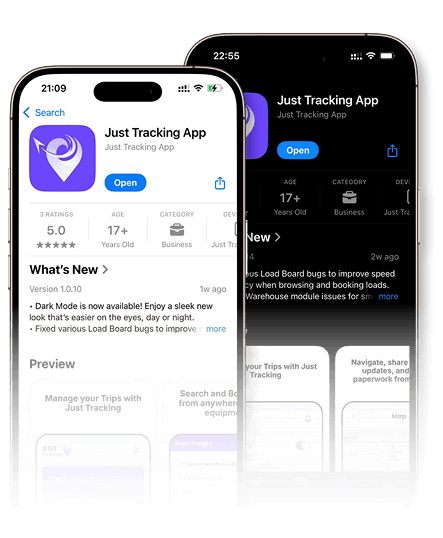
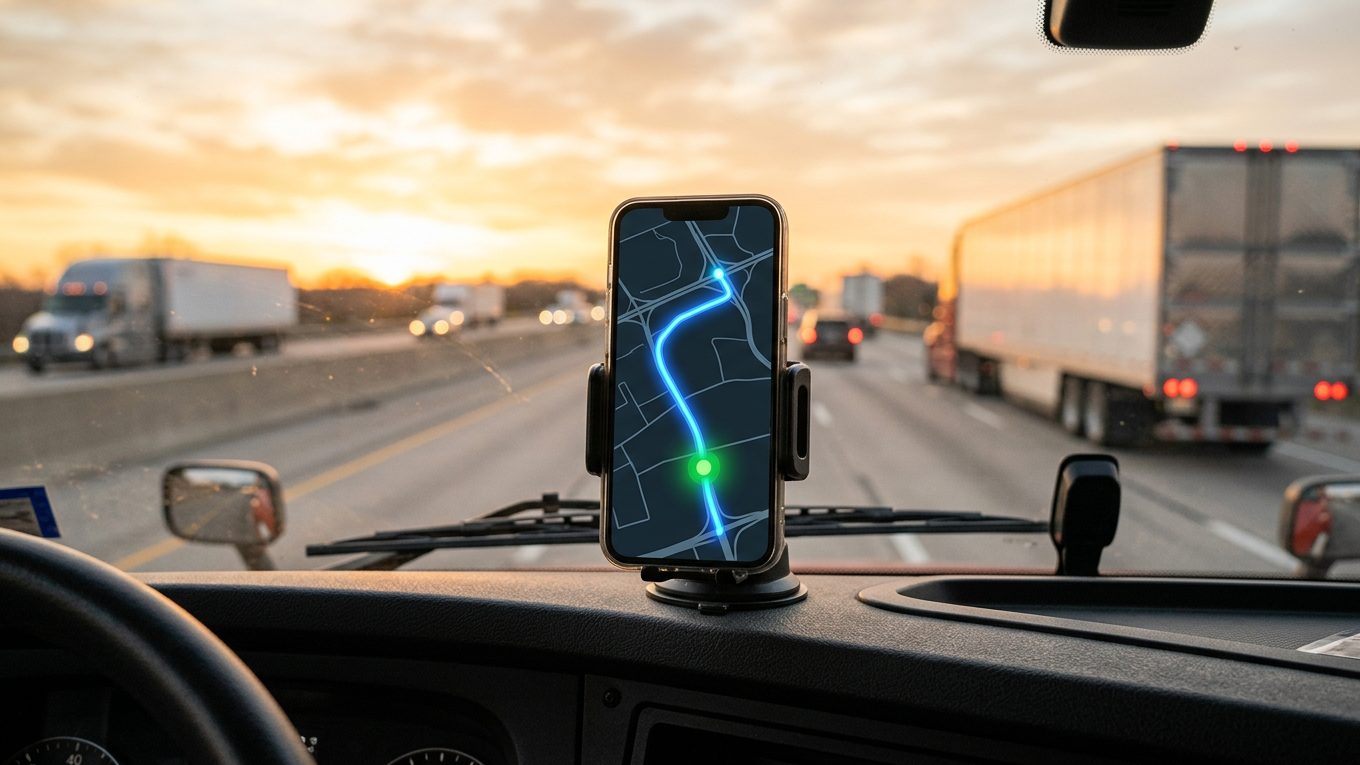
The driver installs an app, accepts the trip and shares location from their phone. This is the most flexible option because it works for owner-operators, small fleets and leased-on drivers without extra hardware.
Shared tracking links
Whatever the method, the result is often shared as a link. Brokers and customers open it to see the truck on a map without calling anyone.
How to track a load step by step
Here's how it works on Just Tracking's free load tracking, on the web or in the app:
- Create the trip. Add the load with its pickup and drop-off stops, single or multi-stop, with dates and appointment times. Add your reference number.
- Assign the driver. Pick the driver, and a co-driver if needed. The trip goes to the driver's phone.
- The driver shares location. The driver opens the Driver App, accepts the trip and shares their location during the trip.
- The driver checks in and out at each stop. A check-in on arrival and a check-out on departure mark the stop as done. If the driver forgets, you get a notification and can mark the stop yourself from the web.
- Follow it live. Carriers, dispatchers and brokers on the load see where the driver is right now, the full route and each stop's progress, and can message the driver in the same place.
- Upload documents and close out. The driver uploads the BOL and proof of delivery from the app. If the driver forgets, you can upload them to the trip yourself. Finish the trip once the load is delivered.
Trip statuses everyone can read
A clear status saves calls on both sides. Typical statuses on a tracked trip:
- Draft: the trip is being set up and hasn't been sent yet.
- Pending: sent to the driver and waiting for a response.
- Accepted or Rejected: the driver took the trip or declined it.
- In Transit: the load is moving and location is being shared.
- Finished: the load is delivered and the trip is closed.
Each stop has its own progress too. On a multi-stop load, you see at a glance which stops are done and which are still ahead.
Activity logs and alerts
Live location shows where the truck is now. The activity log shows what happened on the trip, such as check-ins, check-outs, long stops and low-battery warnings, so you can review the whole trip later.
You don't have to watch the map all day. Turn on notifications for the events that matter most:
- Low battery: the driver's phone is running low and tracking may stop soon.
- Long stop: the truck has been stopped longer than expected.
- Missed check-in or check-out: the driver hasn't checked in at a stop or hasn't checked out. You can check in or out for the driver from the web, so the trip stays accurate.
Alerts like these let a dispatcher or broker step in early, while there's still time to warn the receiver or fix the problem.
Load tracking for each role
Carriers and owner-operators
Keep every truck in view and answer customer questions without stopping the driver. Paperwork uploaded to the trip, such as the BOL and POD, helps you invoice faster.
Dispatchers
Follow all your drivers and trips on one dashboard instead of juggling calls and texts. You see who is running late before the broker calls, so you can update everyone early. Learn more about tools for truck dispatchers.
Brokers
Truck tracking for brokers means knowing where every load is without chasing the carrier. See where the driver is, which stops are done and whether the driver checked in, and keep in touch with the carrier on the same platform. It also fits into a careful carrier process, covered in our guide on how freight brokers find and vet reliable carriers.
What to look for in a load tracking tool
Not every tracking tool fits every operation. Before you pick one, check these points:
- Works for every driver: a phone app covers owner-operators and leased-on drivers who don't have your ELD.
- Multi-stop support: each pickup and drop-off should show on the route with its own date and time.
- Clear statuses: everyone should see the same trip status at the same time.
- Check-ins and alerts: stop check-ins plus alerts for low battery, long stops and missed check-ins, so problems reach you without watching the map.
- Chat and documents in one place: messages, the BOL and the POD should live on the trip, and the office should be able to upload them if the driver forgets.
- Easy sharing: brokers and customers should get a link without creating an account.
- Cost: some tools charge per truck or per load, so compare the price with how many loads you run each month.
Common tracking problems and how to fix them
- Location stops updating: check that location access is set to "always" for the app and that battery saver isn't pausing it. A low-battery alert warns you before the phone dies.
- Gaps on the map: rural dead zones are normal. Updates usually catch up once the phone has signal again.
- The driver forgot to check in: a missed check-in alert tells you right away, and you can mark the stop yourself from the web. Make accepting the trip and sharing location part of the pre-trip routine.
- Wrong stop on the route: confirm every address and appointment time when you create the trip.
- Too many apps: drivers on several brokers' loads may juggle different tracking apps. Using one app for your own trips keeps things simple.
Tracking and driver privacy
Good tracking is about the load, not about watching drivers around the clock. Tell drivers when location sharing is on, share it during the trip, and only share tracking links with the people who need them. Hours-of-service records are a separate topic, covered in our ELD compliance guide.
Frequently Asked Questions
How can I track a load in real time?
Use a load tracking tool where the driver shares location from a phone app or ELD. You then follow the truck on a live map with the route, stops and trip status.
Can brokers track loads without calling the driver?
Yes. With shared tracking, brokers see the truck's position and stop progress on a map. Calls are only needed when something goes wrong.
Does load tracking work for multi-stop loads?
Yes. A trip can have several pickup and drop-off stops, and each one appears on the route with its date and time.
Do I need special hardware to track a load?
No. Phone-based tracking only needs the driver's smartphone and an app. ELD or telematics connections are optional for fleets that already have them.
Is load tracking free?
Some tools charge per truck or per load, but others are free. Just Tracking's load tracking is free for carriers, dispatchers and brokers on the web and in the app.
Track your next load for free
Stop chasing check calls. Sign up for free, create your first trip and follow your truck live on the map.