How freight brokers track loads: tracking apps, ELD connections, tracking links and EDI updates, how to set up tracking on every load, get carriers on board and use tracking to fight fraud.
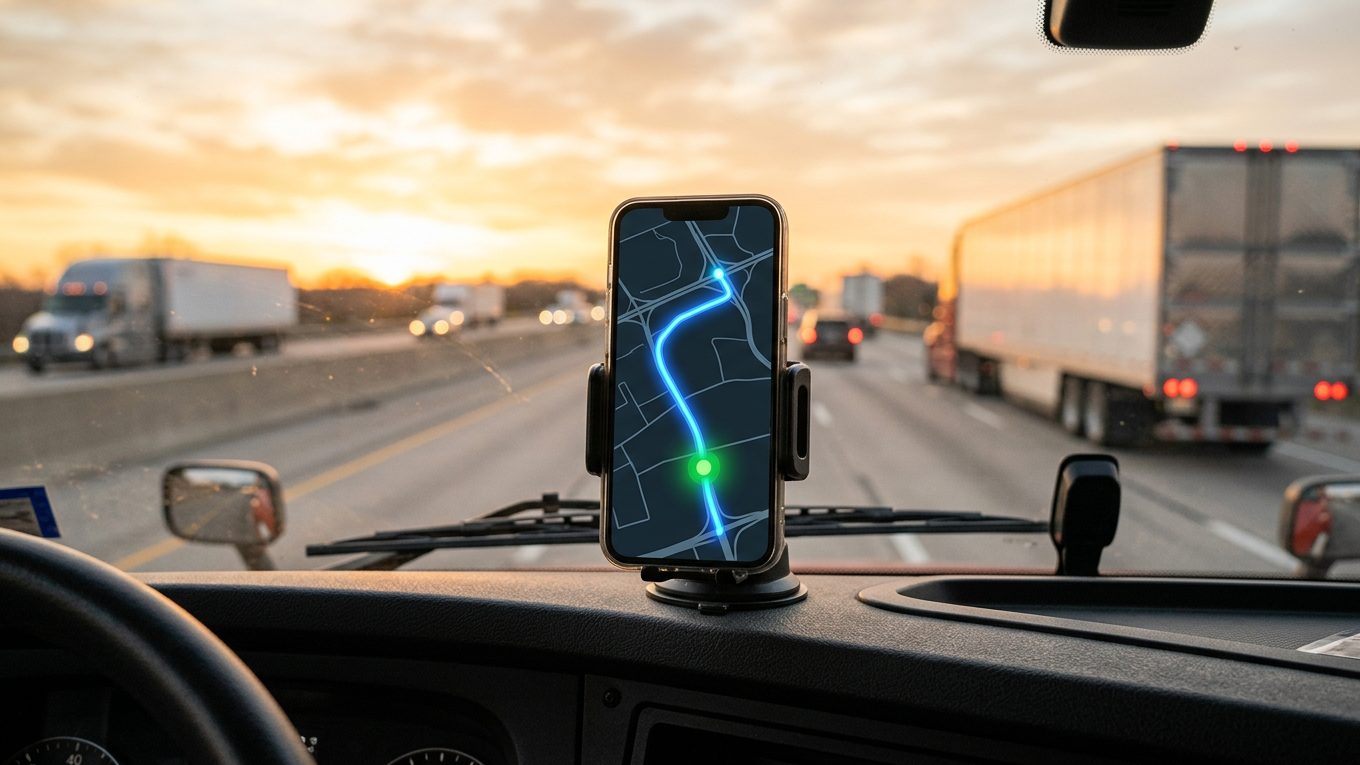
Freight brokers track loads by having the carrier's driver share location through a tracking app, or by connecting to the carrier's ELD, then following the truck on a live map with stop check-ins, alerts and documents. Good tracking replaces most check calls, gives shippers accurate updates and catches problems early, including signs of fraud. The key is to set tracking expectations before the load moves and use a tool that works for every carrier, including owner-operators.
Key takeaways
- Tracking cuts check calls and lets your team manage exceptions instead of chasing updates.
- Phone apps work for any driver, while ELD connections depend on the carrier's provider and permission.
- Put tracking requirements in your carrier agreement and rate confirmation, and confirm tracking is active before pickup.
- Cargo theft losses jumped an estimated 60% in 2025, so tracking from pickup is now part of fraud prevention.
Why load tracking matters for brokers
- Shippers expect visibility. Customers want to know where their freight is and when it will arrive, without waiting for a call back.
- Fewer check calls. Every call to a driver or dispatcher takes your rep's time. Tracking answers "where's the truck?" in seconds.
- Problems show up early. A long stop or a missed check-in tells you a load may be late while there's still time to fix it.
- Records for disputes. Arrival and departure times help settle detention, late delivery and claims questions.
- Fraud and theft protection. Verisk CargoNet estimated cargo theft losses at nearly $725 million in 2025, up 60%, with confirmed theft incidents up 18%. Tracking from pickup helps confirm the carrier you booked is the one moving your freight.
Ways brokers track loads
Check calls
The old way still works as a backup, but it's slow, interrupts drivers and depends on someone answering. Use calls for exceptions, not routine updates.
Driver tracking apps
The driver installs an app and shares location for the trip. It works with any driver who has a smartphone, including owner-operators and small fleets without an ELD integration. Look for stop check-ins, alerts and document upload.
ELD and telematics connections
Some carriers let brokers pull location from their ELD or telematics provider. It runs in the background, but it depends on the provider and on the carrier granting access.
Shared tracking links
Whatever the method, a tracking link lets your shipper see the truck on a map without logging in or calling you.
EDI and API updates to shippers
Large shippers often want status updates sent straight into their systems, usually as EDI 214 shipment status messages or through an API. Your tracking data feeds those updates.
How to set up tracking on every load
- Make it part of the deal. State in your carrier agreement and rate confirmation that tracking is required for the length of the load.
- Get the driver's details. Confirm the driver's name, phone number and truck before dispatch.
- Start tracking before pickup. Send the tracking request early and confirm it's active before the truck reaches the shipper.
- Watch for exceptions. Focus on missed check-ins, long stops and late ETAs instead of watching every dot on the map.
- Update your shipper. Share the tracking link or send status updates, especially when something changes.
- Close out fast. Collect the signed POD as soon as the load delivers so you can bill your customer and pay the carrier.
How load tracking works on Just Tracking
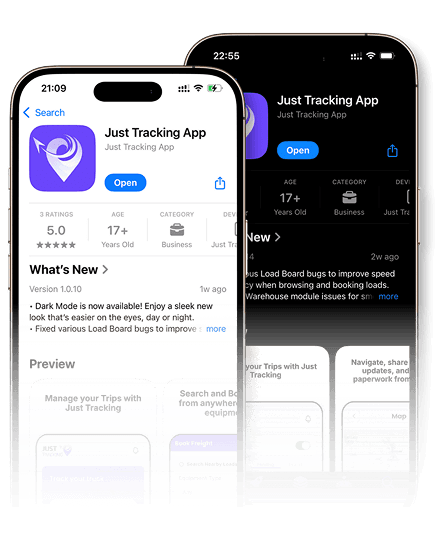
With load tracking, the carrier or dispatcher creates the trip with every pickup and drop-off, and the driver accepts it in the free driver app and shares location. Brokers on the load see the driver live, the full route and each stop's progress. The driver checks in and out at every stop, and the activity log shows alerts for low battery, long stops and missed check-ins or check-outs. The driver uploads the BOL and POD from the phone, and trips move through clear statuses from Pending to In Transit to Finished.
On the broker side, you can post loads one by one or in bulk, see who viewed each load and review rate offers from carriers. Our guide to real-time load tracking walks through the full setup, and our list of the best load boards for freight brokers compares posting options.
What to look for in broker tracking software
- Works with every carrier: a phone app covers owner-operators, with ELD connections as a bonus.
- Multi-stop support: each pickup and drop-off shows with its own time and status.
- Alerts, not just dots: missed check-ins, long stops and low battery warnings save your team time.
- Documents on the trip: BOL and POD attached to the load speed up billing.
- Team access: several reps can follow the same loads.
- Fair cost: per-load tracking fees add up, so compare free and paid options.
How to get carriers on board
Some drivers worry that tracking means being watched all the time. Explain the benefits plainly:
- Tracking replaces most check calls, so the driver gets interrupted less.
- Location is shared only for the load, not around the clock.
- Arrival and departure times support detention pay.
- A free, simple app means nothing to buy or install in the truck.
Carriers who track reliably should get more of your freight. Make tracking part of your carrier scorecard.
Common tracking problems and fixes
- Driver didn't start sharing: call before pickup, not after the truck is already rolling.
- Low battery or app closed: ask drivers to keep the phone charging and the app allowed to run in the background.
- Dead zones: rural gaps are normal, and the location usually catches up when the signal returns.
- Driver or truck doesn't match: if the name, phone or location doesn't match what the carrier told you, stop and verify. It can be a sign of double brokering or theft.
Tracking works best alongside careful vetting. Check every new carrier's authority, insurance and safety record in Company Snapshot, and read how freight brokers vet reliable carriers.
Tracking metrics worth watching
- Tracking compliance: the share of loads tracked from pickup to delivery.
- On-time pickup and delivery: by carrier and by lane.
- Dwell time: how long trucks wait at each shipper and receiver.
- Exceptions caught early: late loads you flagged before the customer asked.
Frequently Asked Questions
How do freight brokers track loads?
Most use a driver tracking app, an ELD or telematics connection, or both, with check calls as a backup. They follow the truck on a map with stop updates and alerts.
Can a broker require tracking?
Yes. Many brokers make tracking a condition in the carrier agreement and rate confirmation. The carrier can decline the load if it doesn't agree.
Do drivers have to share location all the time?
No. Tracking for a load should cover that load only. Good tracking tools stop sharing once the trip is finished.
What is an EDI 214?
It's a standard electronic message for shipment status updates, such as pickup, in transit and delivered. Many large shippers want brokers to send them.
Is load tracking free on Just Tracking?
Yes. Load tracking, the driver app and the load board are free for carriers, dispatchers and brokers.
Track every load without the calls
Post loads, vet carriers and follow every truck live from one free platform. Sign up for free today.